Facebook to Transcript
Paste a public Facebook video or post link and get a searchable transcript, facebook to text output, captions, and AI notes without manual typing — the facebook transcriber built for creators.
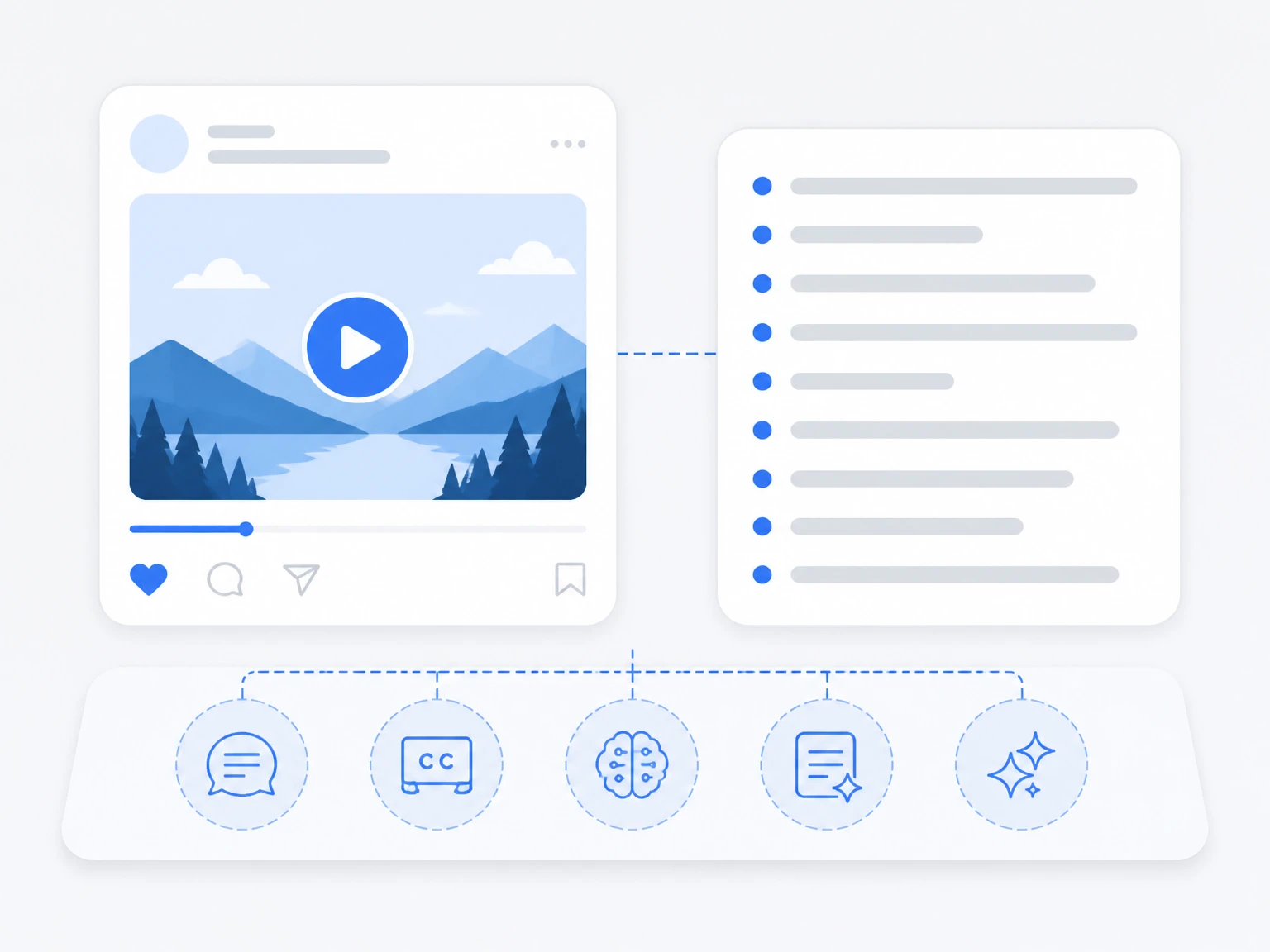

Paste a public X, Instagram, Facebook, TikTok, or YouTube video link to generate a searchable transcript, summary, subtitles, and AI notes.
Distinguish speakers
Choose whether the transcript should separate different speakers in the conversation.
Subtitle enhancement
Use AI to intelligently refine transcripts for greater clarity and readability.
Or try an example
Most Facebook videos sit behind a player with no copyable text, so finding a quote or reusing a clip means scrubbing the timeline. A facebook transcriber turns a link into written facebook to text you can search, cite, and repurpose. Facebook to transcript also covers video to transcript and voice to transcript from any file.
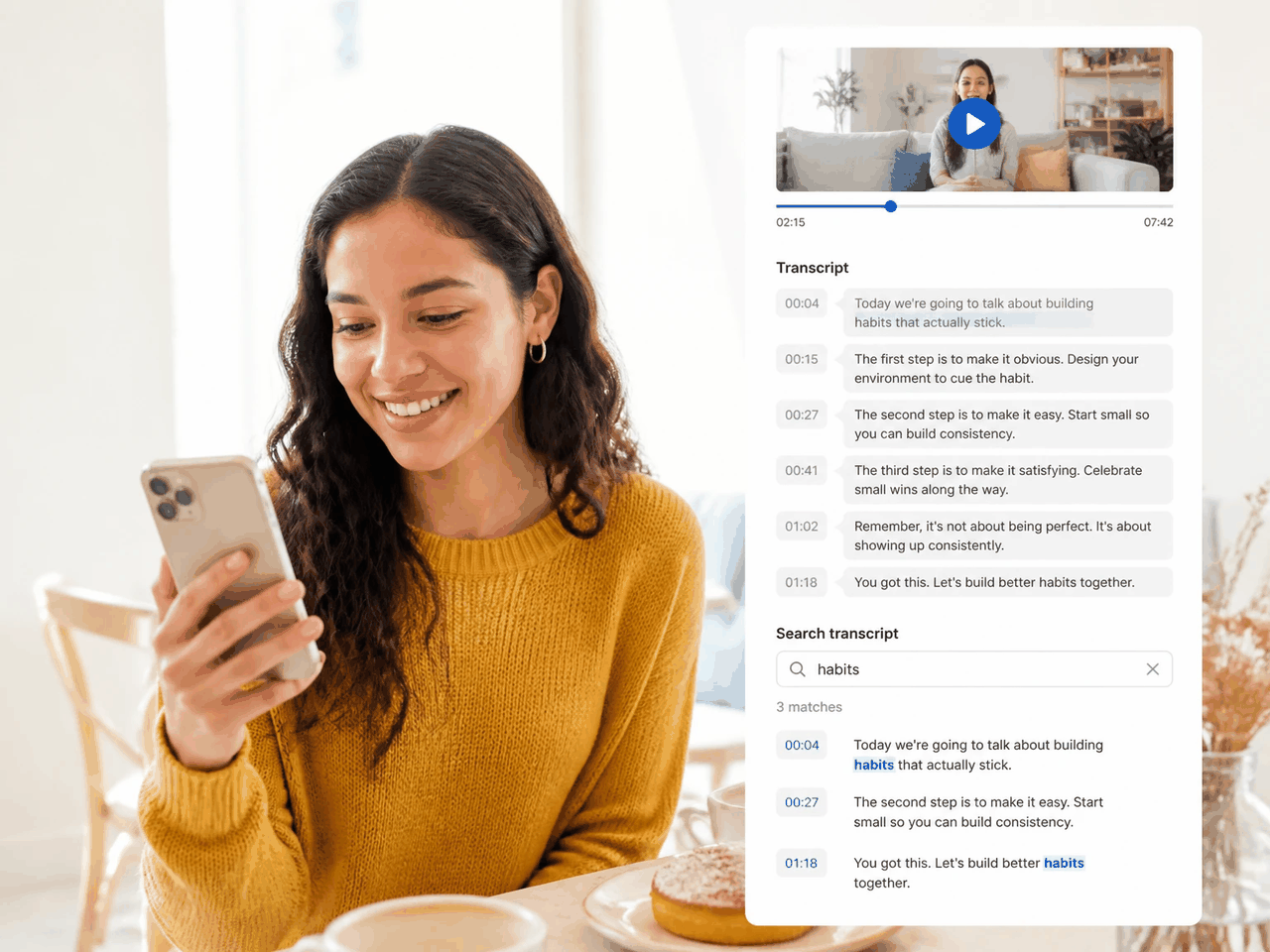
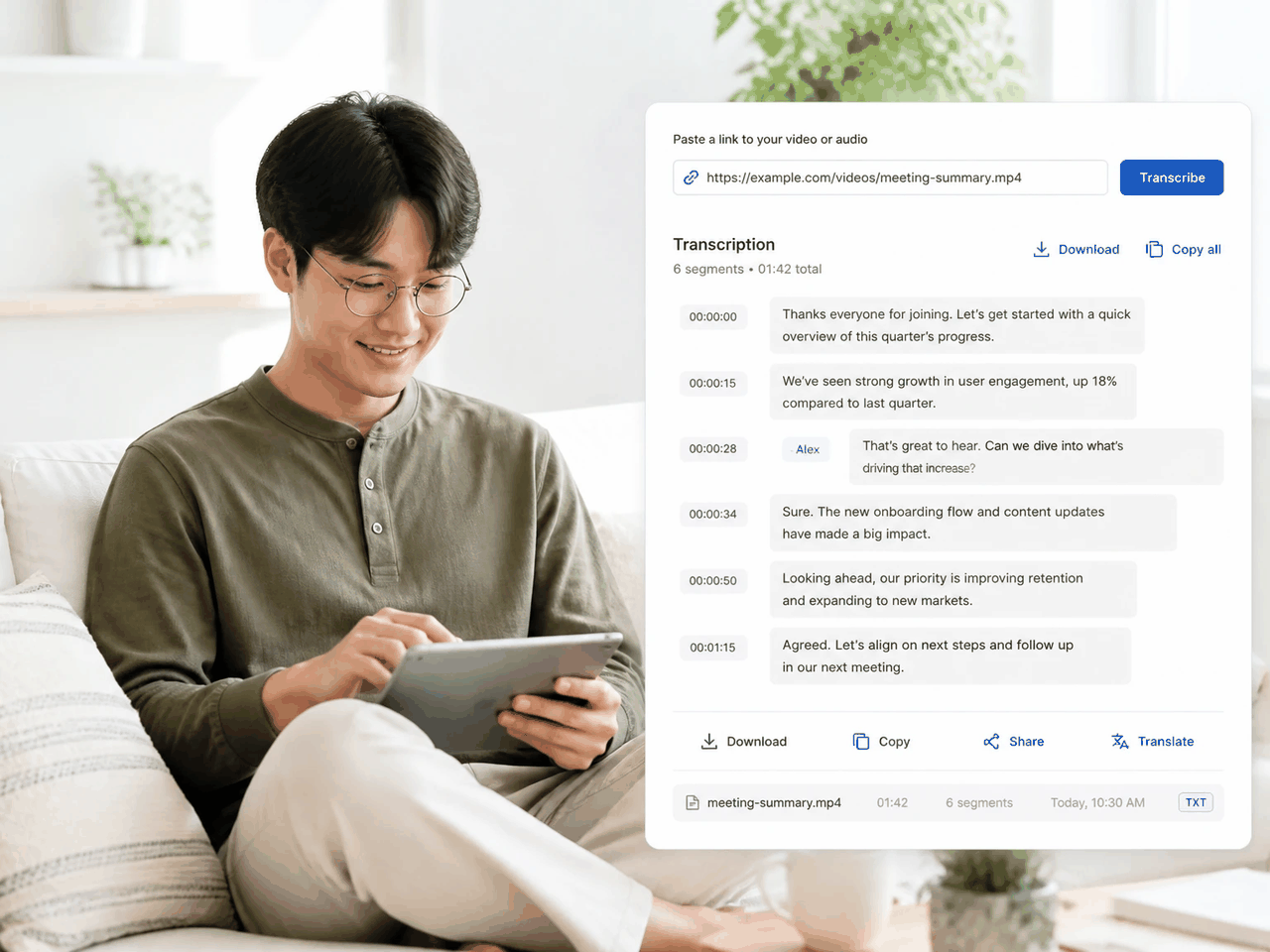
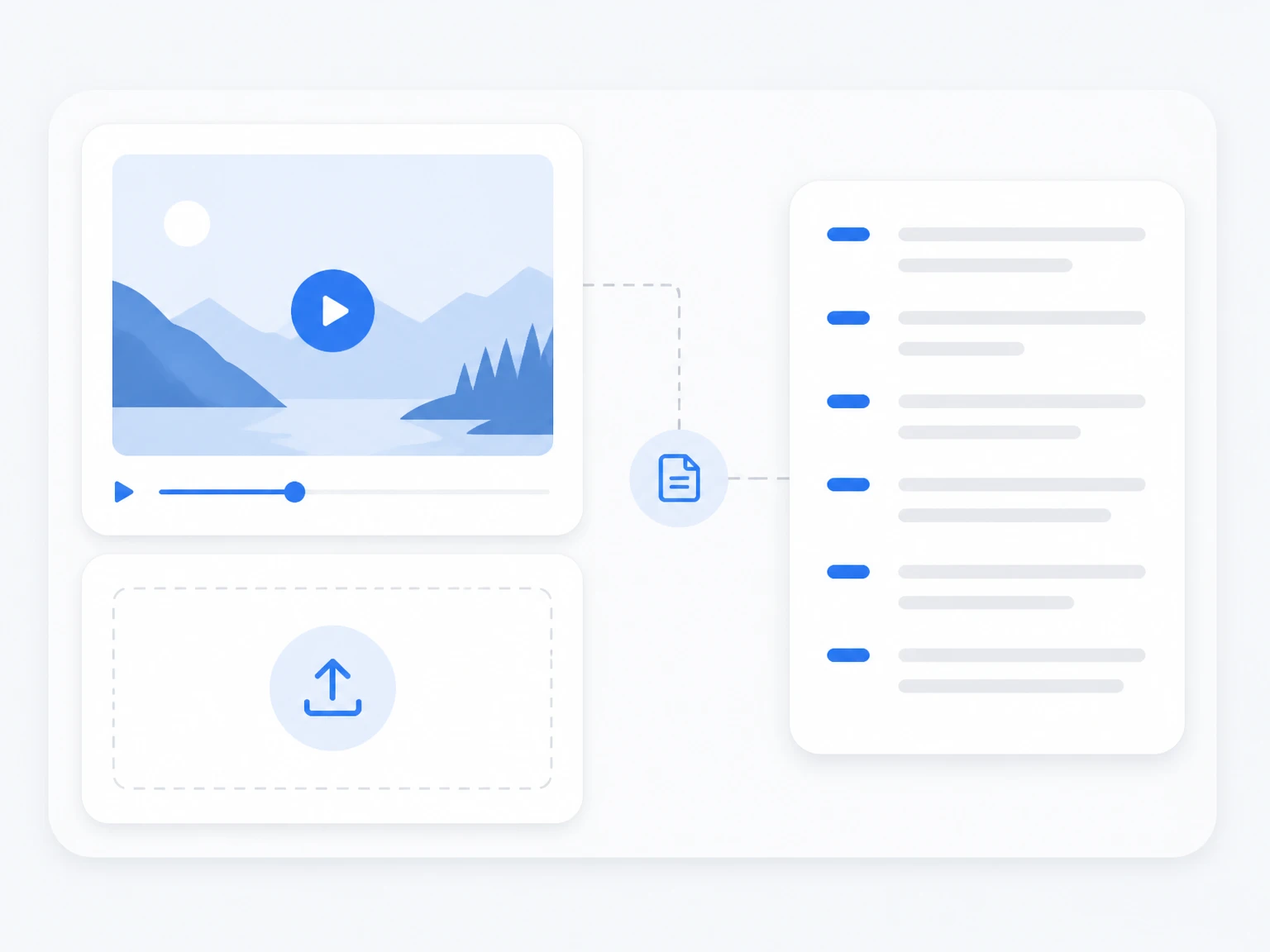
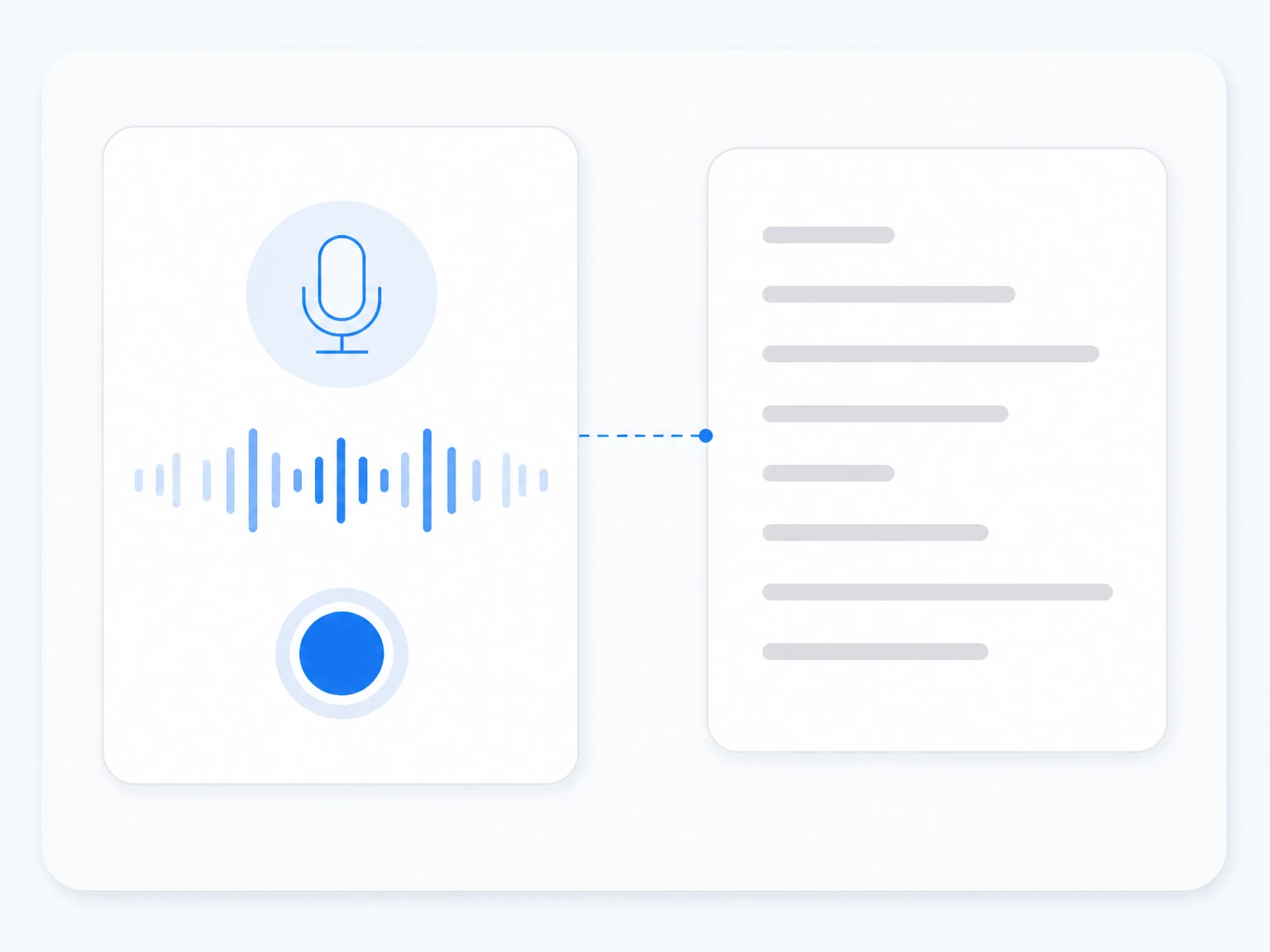
Paste a Facebook link, upload a video file, or record a voice memo, and this online video transcriber returns a searchable video to text you can read, search, and export. Video to transcript is the core job, while voice to transcript handles audio captured on the spot. Timestamps tie every line to its original moment.
Facebook creators, social teams, and researchers often need the words behind a clip, not just the video. A clean transcript or facebook to text output makes captions, summaries, and quotes easy to reuse. The same workflow gives meeting videos, interviews, and voice recordings a searchable video transcript for notes and reports.
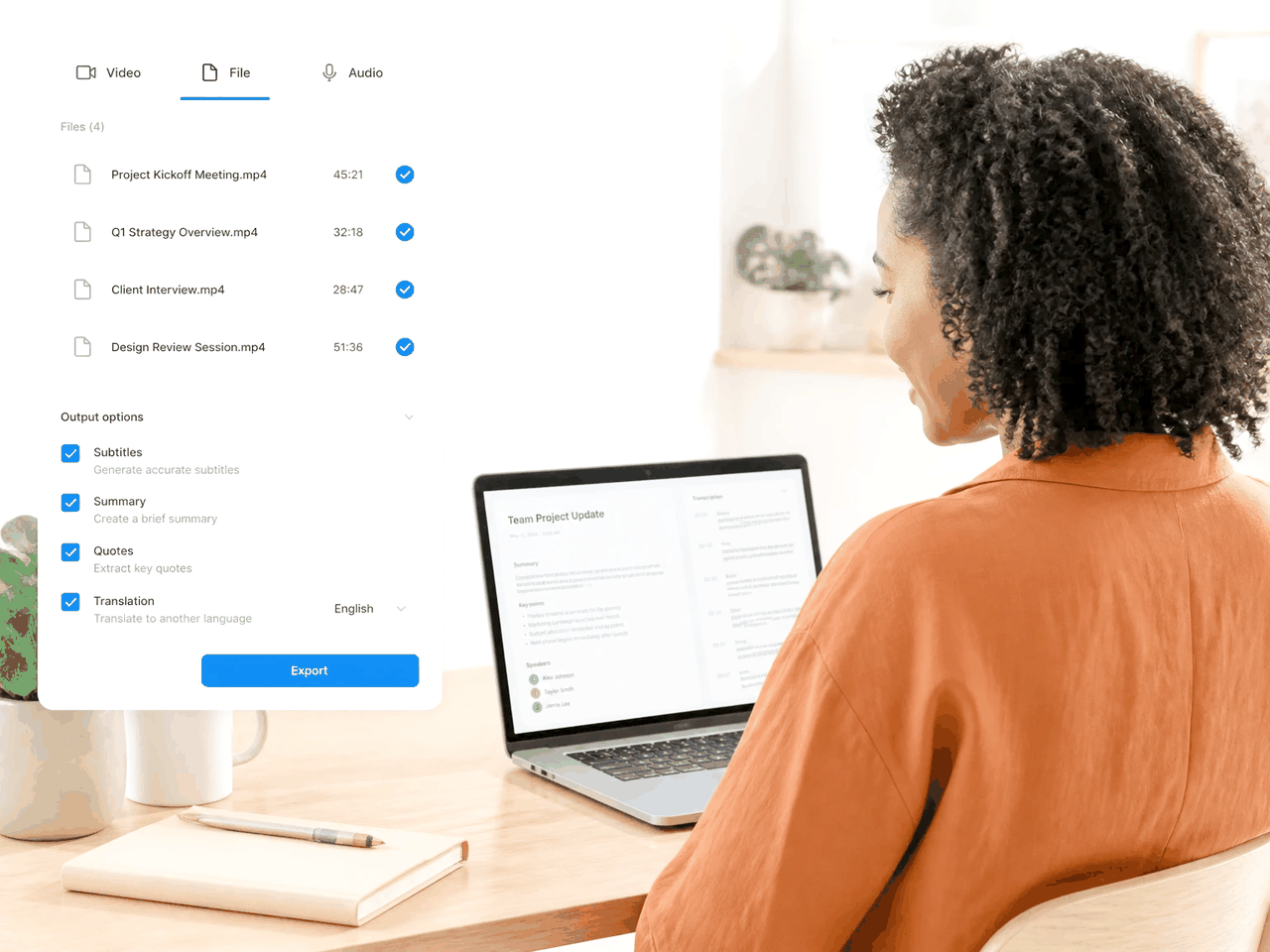
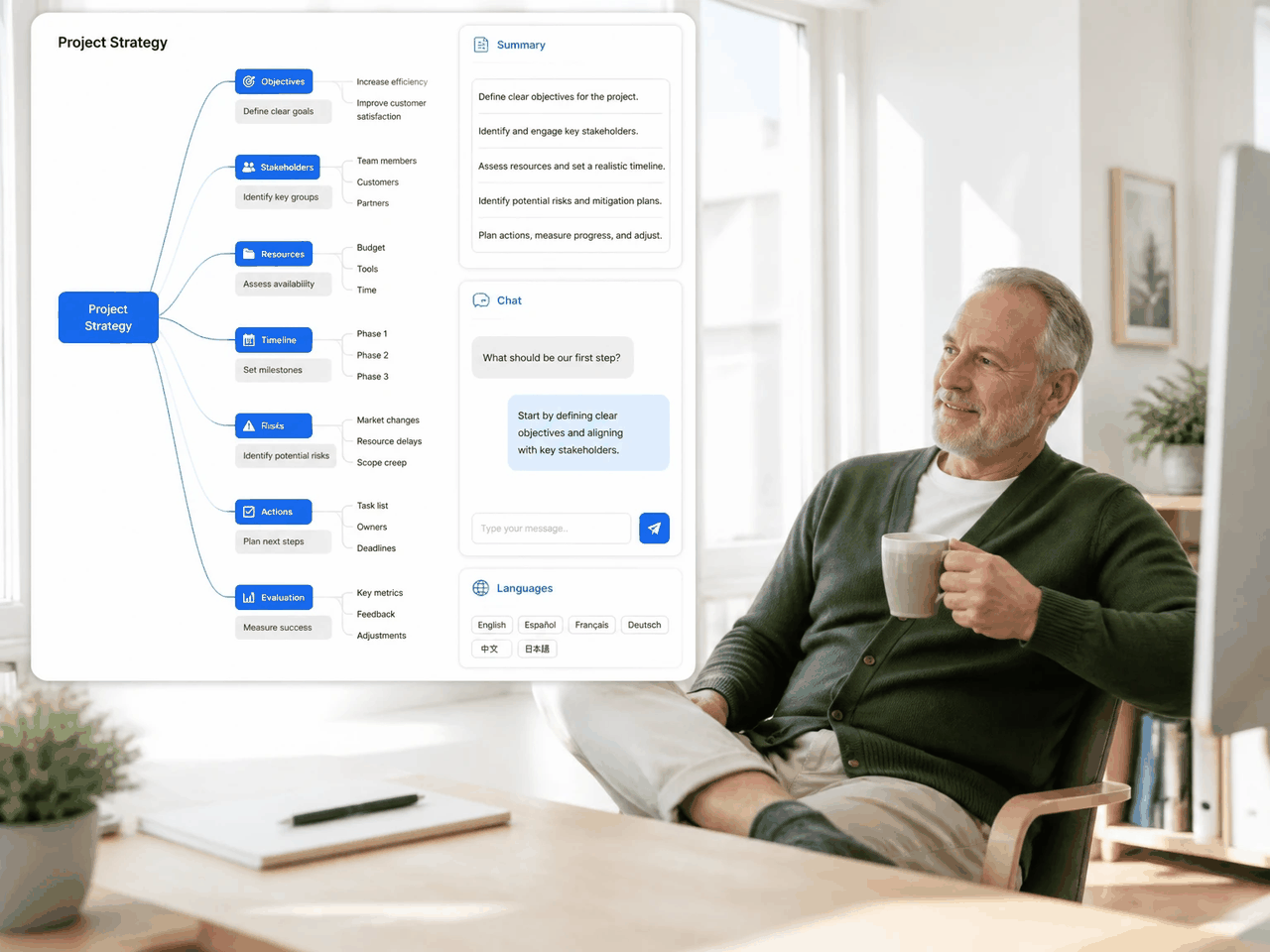
After a transcript is ready, summarize it, build a mind map, ask questions in a chat, or translate it into another language. These tools turn a raw facebook to transcript, video to transcript, or facebook to text result into structured notes you can act on, with exports available as TXT.
Paste a public Facebook video or post link and get a searchable transcript, facebook to text output, captions, and AI notes without manual typing — the facebook transcriber built for creators.
Upload MP4, MOV, AVI, or MKV files and let a fast video transcriber turn meeting videos, interviews, and lectures into accurate, timestamped video to text.
Record audio in your browser or upload a voice file to convert speeches, memos, and conversations into clean text and shareable facebook to text notes.
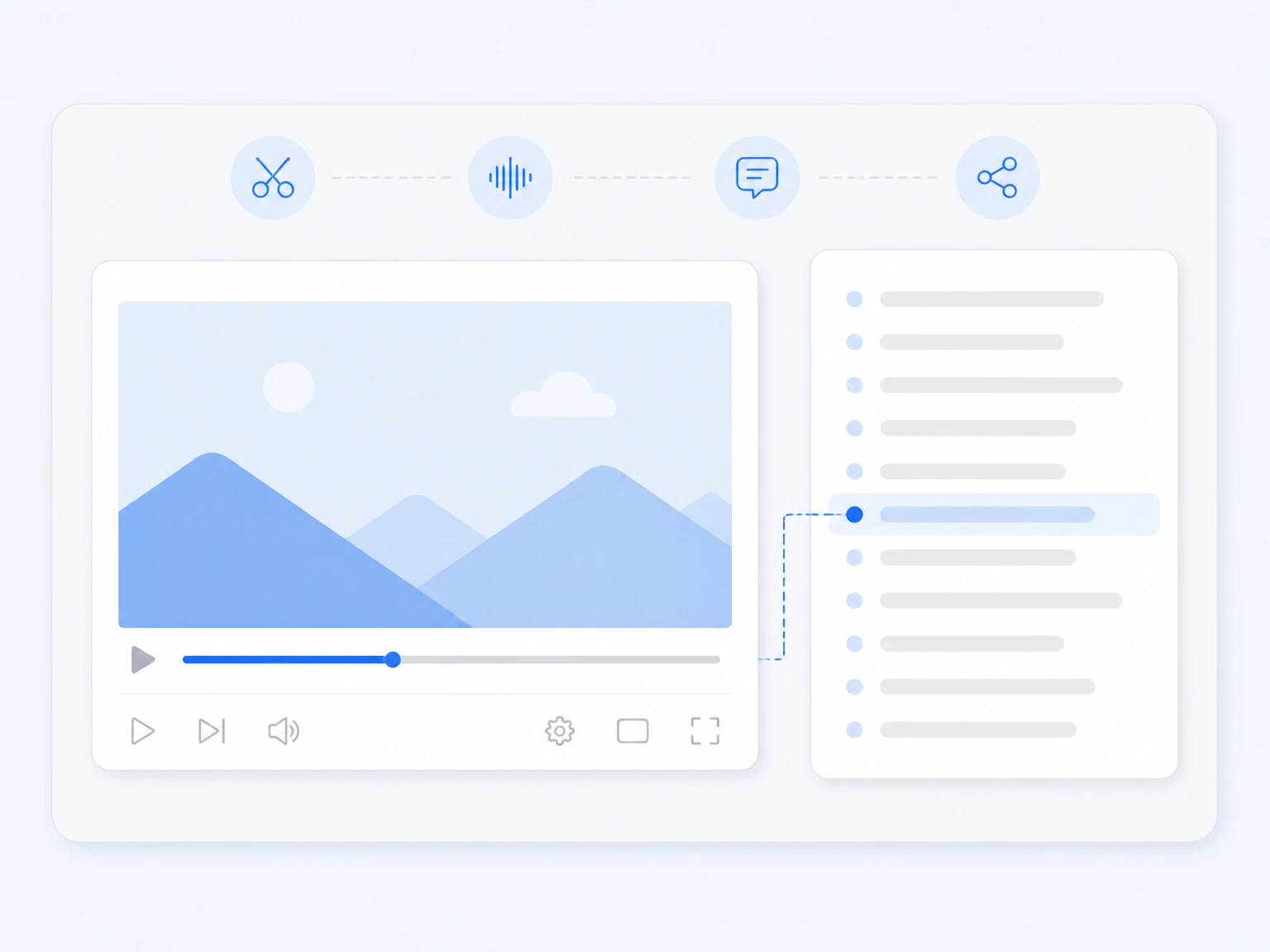
Every line links to its moment in the source, making it easy to find key points and jump to the right part of a recording.
Generate AI summaries, outlines, and mind maps from any transcript to understand long content faster.

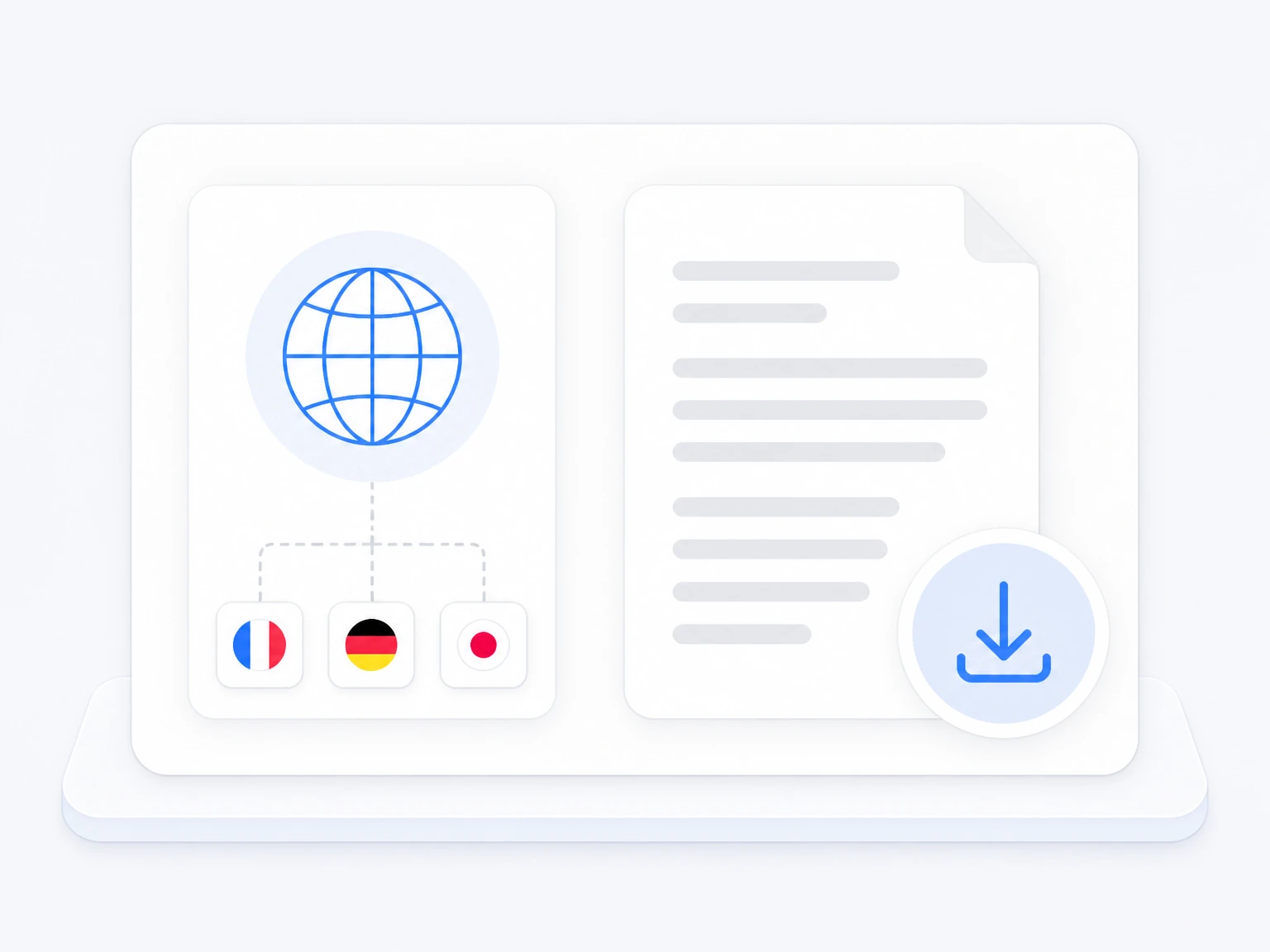
Translate transcripts into other languages and download them as TXT, with mind maps in multiple formats.
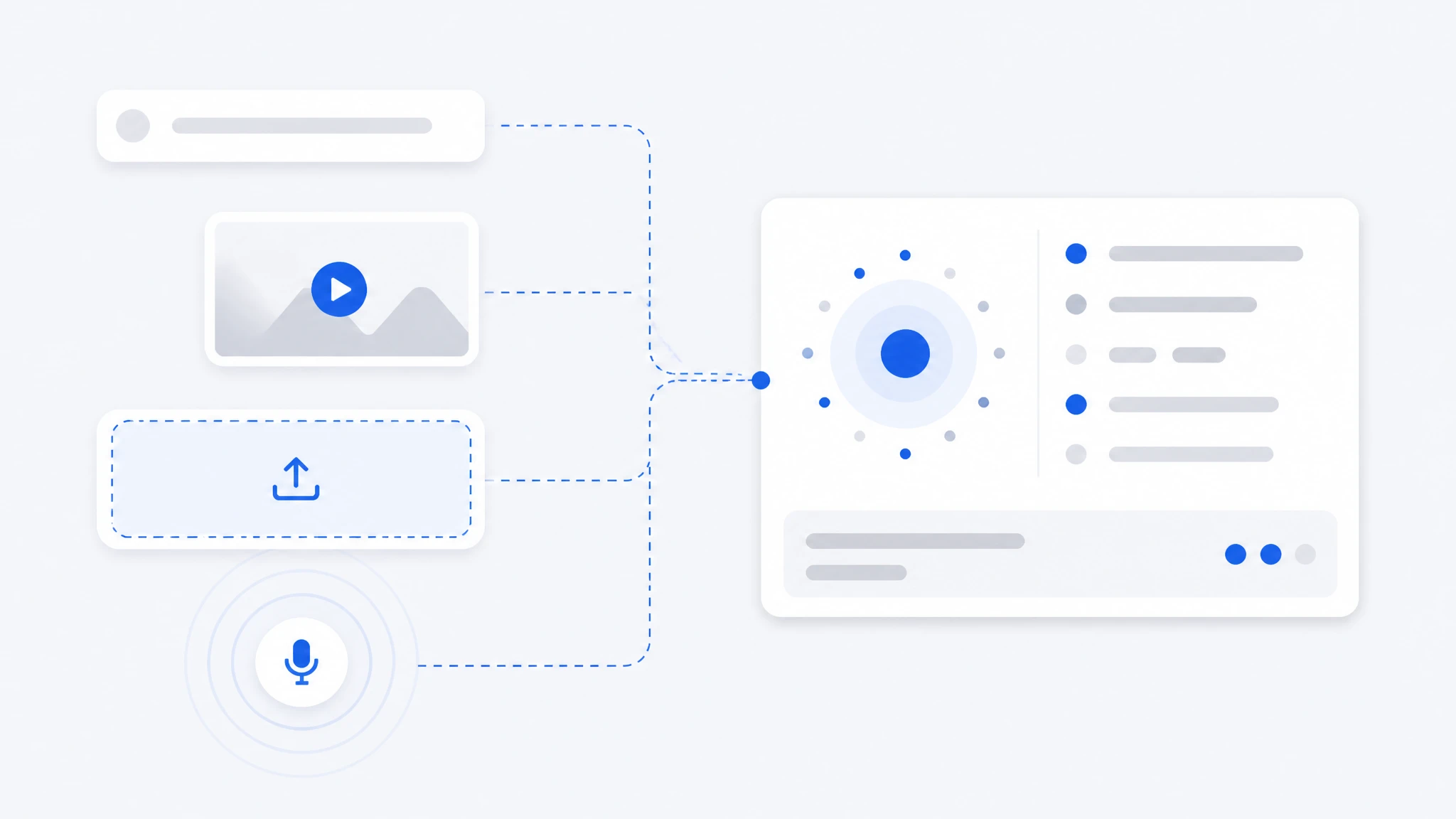
Paste a Facebook URL, upload a video or audio file, or record audio in your browser. Enable speaker detection to separate different voices automatically.
1 / 4
Convert Facebook videos into transcripts, facebook to text notes, captions, and post ideas. Reuse clips across platforms without replaying the whole video.
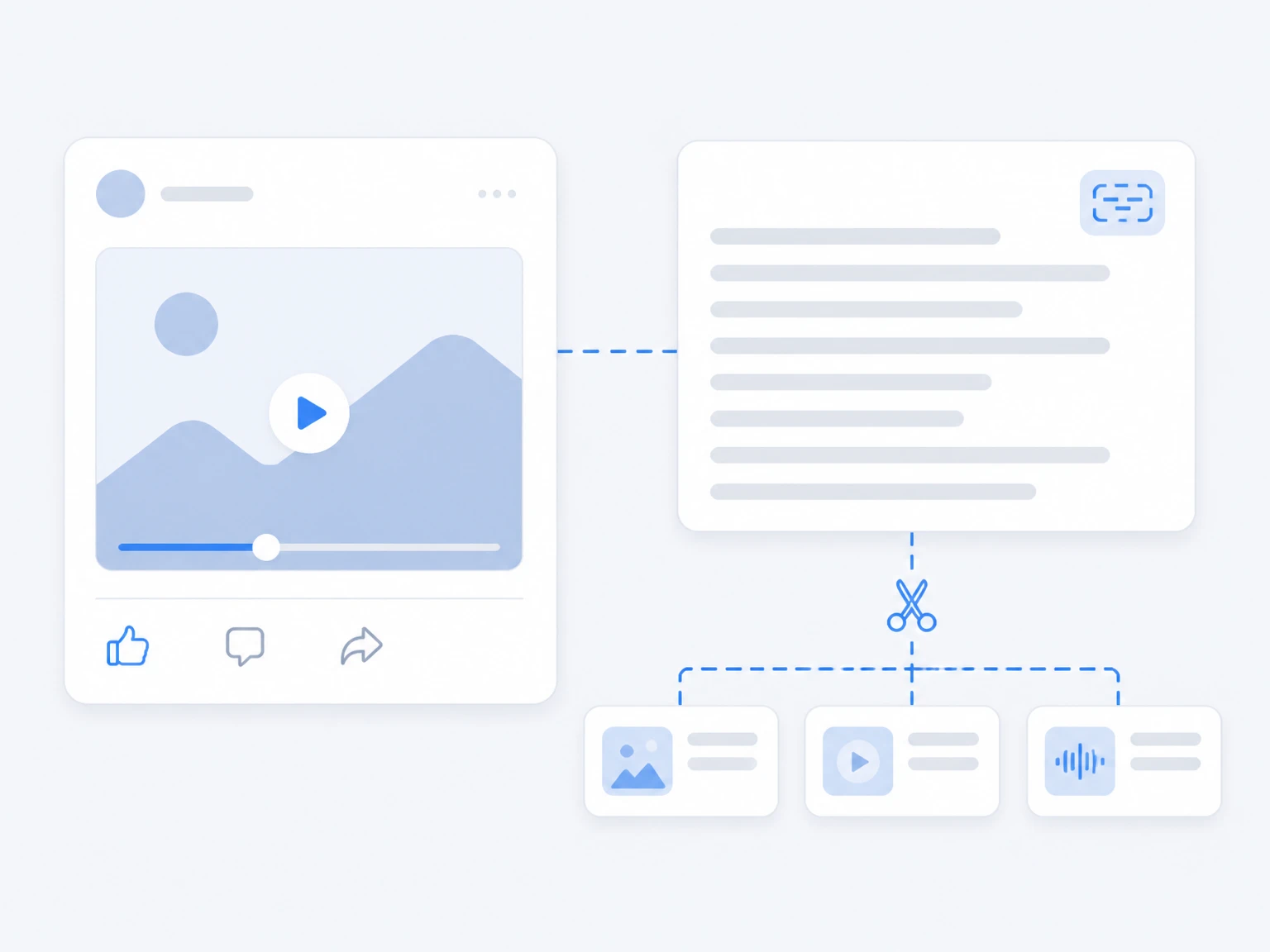
Keep the workflow simple: paste a Facebook link, upload a video, or record a voice memo, and get an accurate transcript in minutes. Try this facebook transcriber and video transcriber on any clip you want to reuse.
Creators, students, researchers, and teams use facebook to transcript, video to transcript, video to text, facebook to text, and voice to transcript in everyday work.
"I paste Facebook interview clips and the facebook transcriber returns searchable transcripts. It saves hours of typing and makes quotes easy to find."
"Our team turns meeting videos into clear video transcripts. We review decisions and action items without relying on memory."
"I use video to transcript and voice to transcript for my posts. The video to text summaries and AI notes help me repurpose content fast."
Facebook to transcript means turning a public Facebook video or post into written facebook to text. Paste the link and the tool returns a searchable transcript with timestamps.
Yes. Upload MP4, MOV, AVI, or MKV and the tool converts meeting videos, interviews, and lectures into accurate, timestamped video to text. It also handles mp4 to text jobs.
Yes. Record audio in your browser or upload a voice file, and the tool converts speeches, memos, and conversations into clean text.
Accuracy depends on audio quality, background noise, speaker clarity, and language. Clear recordings with less noise usually produce better transcripts.
Yes. After transcription you can create subtitles and captions. Review timing and speaker changes before exporting.
Yes. Use AI summaries, mind maps, or AI chat to understand long Facebook videos and recordings faster.
Yes. After converting content into text, translate the transcript into another language for sharing or study.
Yes. Download the video transcript as TXT and reuse it for notes, captions, reports, or archives.
Your uploaded files and transcripts are not public or shared with other users. Manage and delete your saved history whenever needed.
Common video and audio formats are supported, including MP4, MOV, AVI, MKV, MP3, WAV, and M4A.